You open your followers list, hover over that one name, and wonder what happens next. Many people ask does instagram notify when you remove a follower because they want a quiet cleanup without awkward conversations or hurt feelings. It is a common concern for creators and private users alike.
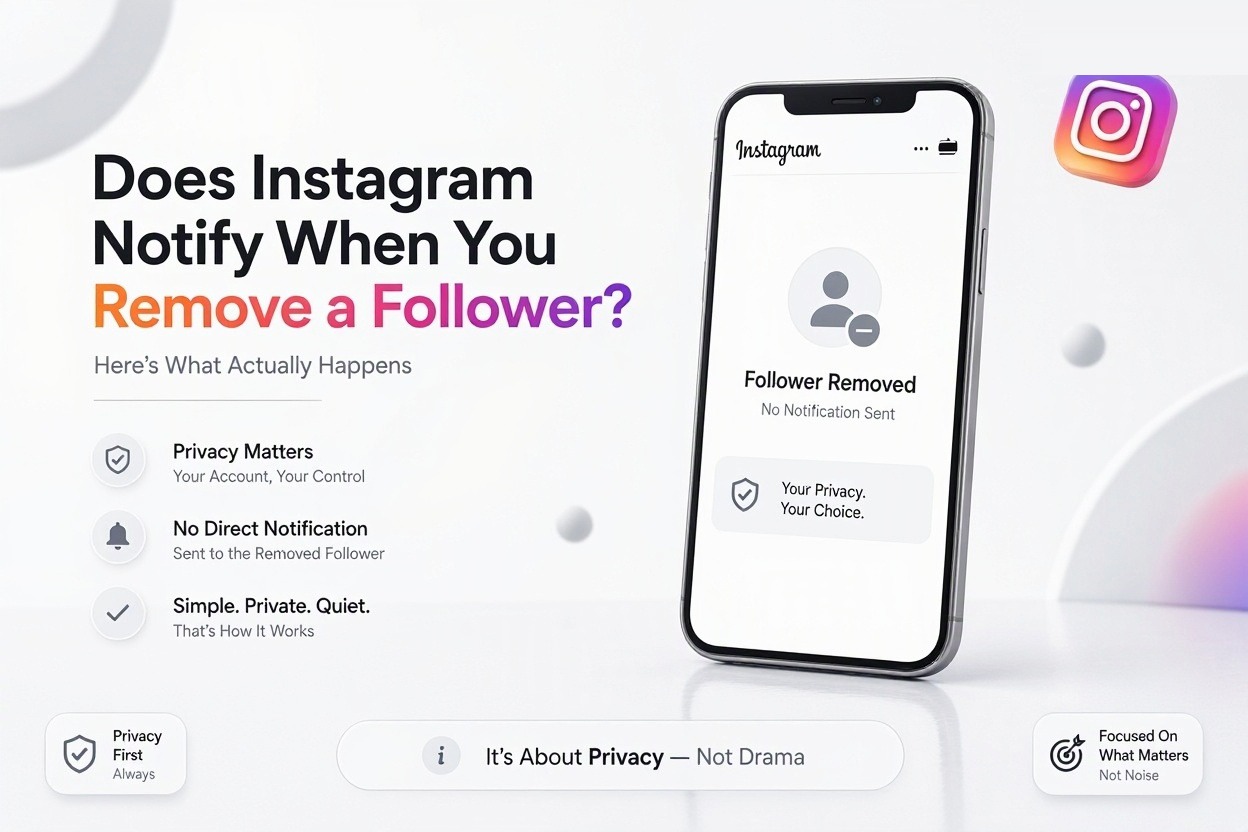
The short answer is no, Instagram does not send a notification, email, or push alert when you remove someone. The person simply stops following you and loses access to private content. Most people never notice unless they actively check your profile or followers list later.
That silence makes the remove follower tool very useful for pruning spam accounts, exes, former coworkers, or random strangers. You can take control of your audience without blocking anyone or triggering a public unfollow drama that draws more attention than necessary.
Still, removal is not completely invisible. A curious person might realize your posts disappeared from their feed, or they can no longer view your stories. Understanding those subtle clues helps you use the feature wisely and avoid misunderstandings with people you know offline.
Quick Answer on Instagram Follower Removal Notifications
Instagram designed follower removal to be discreet and low friction. When you tap remove, the other account is instantly removed from your followers count. No system message is generated on their side, and there is no entry in their activity feed about the change.
This applies to both private and public accounts, personal profiles, and creator accounts. Whether you remove one follower or dozens at once, does instagram notify when you remove a follower remains no across the board. The action happens quietly in the background without announcement.
The removed person can still find your profile through search unless you block them. If your account is public, they can still see your posts and stories as a non follower. If your account is private, they immediately lose viewing access until they request to follow again.
How Instagram Handles the Remove Follower Action
When you remove a follower, Instagram severs the follow relationship on the server side only. Your follower count drops by one, and their following count also drops by one. Their likes and past comments on your posts generally stay visible unless you delete them manually.
The process does not trigger any safety review or warning unless done at extreme scale. Normal cleanup of inactive or unwanted followers is expected behavior. Instagram treats it the same as if the other person had pressed unfollow themselves voluntarily.
Why Instagram Keeps Removals Private
Instagram avoids removal alerts to reduce conflict, harassment, and retaliation between users. A direct notification saying someone removed you would likely cause arguments, anxiety, and increased reports. Silence keeps the platform calmer and encourages people to curate their audience freely.
This approach matches other quiet controls like mute, restrict, and hide story. The platform favors subtle boundaries over public confrontations. You get privacy without forcing a direct social rejection that both sides have to acknowledge openly.
What Happens After You Remove Someone on Instagram
Once removed, the person no longer receives your posts in their home feed. Your stories, reels, and notes stop appearing for them as a follower perk. For public accounts they can still visit manually, but the automatic distribution completely stops at that moment.
For private accounts the effect is stronger and immediate. Removed followers lose the ability to see new posts, stories, highlights, and followers only reels. Old direct message threads remain, but they will see a request prompt if they try to view your profile again.
Your engagement metrics may dip slightly after a large cleanup. That is normal and often healthy. Removing ghost followers, bots, and disengaged accounts improves reach percentage, story views quality, and comment relevance over time for active creators.
Changes to Profile Visibility and Access
If you are private, a removed follower sees a locked profile with a Follow button instead of your grid. They cannot zoom your profile picture fully, view tagged photos, or browse story highlights. Any saved posts from your account may become unavailable or show as unavailable content.
If you are public, visibility changes very little. They can still like, comment, and share your public posts while logged in. Removal only stops the automatic follow connection. To limit viewing on public accounts, you need to switch private, block, or hide stories specifically.
Impact on Likes Comments and Direct Messages
Removing a follower does not delete their previous likes or comments automatically. Those interactions stay unless you manually remove them or switch to private and block. This surprises many users who expect a full wipe of past engagement after removal from the list.
Direct messages are also preserved. Your chat history stays in both inboxes, and they can still message you depending on your message controls. If you want to stop messages, adjust message requests, restrict the account, or block and unblock to reset the thread permissions.
Helpful Checklist for a Quiet Follower Cleanup
1. Review your followers list for spam, blank profiles, and inactive accounts before removing anyone you know personally.
2. Check past likes and comments if you want a full cleanup, since removal alone does not delete old engagement.
3. For sensitive removals, hide stories first for a week to test reaction before fully removing the follower.
4. After removal on a private account, verify your profile appears locked when viewed from a logged out browser.
5. Avoid third party remover apps that ask for your password, as they can trigger security locks and inaccurate data.
How to Remove a Follower on Instagram Step by Step
You can remove followers in seconds without notifying them. The option lives inside your profile and followers list, not in settings. You do not need to unfollow them back, block them, or change your account type to use this basic control.
The steps are similar on iPhone and Android, with small visual differences. Desktop also supports removal through the web profile. Once you confirm, the change is immediate and reversible only if they follow you again and you approve them.
Many users worry that does instagram notify when you remove a follower through a subtle activity alert. It does not. The removed account receives no system prompt, and the confirmation dialog appears only on your screen for your own verification.
Removing Followers From Your Profile Page
Open Instagram and tap your profile picture in the bottom right corner. Tap your Followers count at the top to open the full list. Scroll or use search to find the specific username you want to remove quietly.
Tap the Remove button next to their name, then confirm Remove in the popup. Refresh the list to confirm the count updated. The person is now removed, and you can repeat the process for other accounts without leaving the screen.
Removing Followers From the Followers List on Mobile and
On mobile, you can also visit their profile directly, tap the Following dropdown if they follow you, and choose Remove as follower. This method is helpful when you discover an unwanted viewer from story views or likes rather than browsing the full list.
On desktop, go to instagram.com, open your profile, click Followers, find the account, and click Remove next to the name. Confirm when prompted. The web version syncs instantly with mobile, so the follower count updates everywhere within seconds.
Remove Follower Versus Block Versus Restrict on Instagram
Remove, block, and restrict sound similar but work very differently. Remove simply disconnects the follow relationship. Block cuts all contact and hides your profile almost completely. Restrict keeps them as a follower but hides their comments and messages from others.
Choosing correctly prevents overreaction. Many people block when remove would be enough, which creates more drama if discovered. Others only remove when they actually need a block to stop stalking, repeated requests, or harassment across new accounts.
Understanding these distinctions helps you manage boundaries with coworkers, family, and casual acquaintances. Removal is polite distance, restrict is quiet filtering, and block is a firm wall. Each sends a different social signal if the other person investigates closely.
Key Differences in Privacy and Visibility
With remove on a public account, the person can still view and interact. With block, they cannot find your posts, stories, or profile in search while logged into that account. With restrict, they still see everything, but their comments are only visible to them unless you approve them.
For private accounts, remove immediately hides future content. Block also prevents them from sending a new follow request easily. Restrict does not remove access at all. If privacy is your goal, remove or block beats restrict every single time.
Choosing the Right Option for Different Situations
Use remove for inactive followers, spam looking accounts, or people you have drifted from. Use restrict for persistent commenters, nosy acquaintances, or mild harassment where you want to avoid confrontation. Use block for threats, stalking, hate speech, or repeated boundary violations after removal.
Creators often combine methods. For example, remove ghost followers monthly, restrict attention seekers during launches, and block bot networks or abusive accounts. This layered approach keeps community quality high without alienating genuine supporters by accident.
Plain Language Comparison of Your Three Main Options
Option 1 Remove Follower. Best for quiet audience cleanup. Notification sent none. They can refollow yes if private then needs approval. Past comments stay. Profile visible yes if public, no if private.
Option 2 Block Account. Best for stopping contact completely. Notification sent none directly, but they notice quickly. They can refollow no unless unblocked. Past comments can be removed in bulk. Profile hidden from that account.
Option 3 Restrict Account. Best for limiting interaction invisibly. Notification sent none. They stay as follower. Their comments hidden from others. Their messages go to requests without read receipts.
How People Discover They Were Removed as Followers
Even though Instagram stays silent, people can piece it together. The most common clue is searching your username and seeing a Follow button instead of profile content on a private account. That single change tells them the connection was broken somehow.
Other clues include missing stories, lower follower counts, or your posts no longer appearing in their feed. Mutual friends may also mention your recent posts that they never saw. These small gaps often prompt someone to check manually and confirm removal.
Some users track followers with spreadsheets or memory, especially smaller accounts. If someone with two hundred followers checks weekly, they will notice quickly. Large accounts with thousands of followers rarely notice one removal among normal daily fluctuations.
Manual Profile Checks and Follower Count Clues
The simplest detection method is visiting your profile while logged in. If they previously saw private posts and now see This Account is Private, they know they were removed or blocked. Tapping message can also reveal whether they still have full access to story replies.
Follower count drops are another hint, though not conclusive alone. If they remember following you and their following list no longer includes you, Instagram shows Follow Back instead of Following. That status change confirms they are no longer connected to your updates.
Third Party Apps and Their Accuracy Risks
Many apps claim to track who unfollowed or removed you in real time. They work by storing snapshots of your followers list and comparing changes. They cannot see Instagram internal actions directly, and they often mislabel blocks, deactivations, and private switches as removals.
These tools also carry real risks including login theft, spam actions, and account flags. Sharing your password violates Instagram terms and can lead to temporary locks. For most users, manual checks are slower but far safer than granting full account access to unknown developers.
Privacy Implications of Removing Followers From a Private
Private accounts get the strongest benefit from removal. One tap instantly revokes access to your entire archive of posts, stories, and tagged content. The removed person must send a new follow request, which you can ignore or decline without explanation or notification.
This makes regular cleanups important after life changes like breakups, job changes, or school transitions. Old followers often retain access long after relevance fades. Reviewing your list quarterly keeps your private circle actually private and reduces unwanted screenshots or gossip.
Remember that does instagram notify when you remove a follower is still no even for private profiles. The privacy boost comes from access loss, not from an alert. The other person only learns about it if they revisit your profile and notice the lock screen.
How Private Accounts Gain Extra Control
Private mode lets you approve every follower individually. After removal, you can also remove them as a follower from pending requests, hide your story from specific people, and limit message requests to followers only. Together these settings create a tight, trusted audience around personal content.
You can also use Close Friends for stories to share with a smaller subset. Even approved followers outside that list will not see those stories. This is ideal when you want to keep someone as a follower but exclude them from sensitive updates without another removal.
How Public Accounts Should Handle Unwanted Followers
Public accounts cannot hide posts by removal alone. Anyone logged out can often still view your grid through a browser. If someone bothers you, combine removal with hide story, turn off message requests, filter comments by keywords, and consider switching to private temporarily during sensitive periods.
Creators should also audit third party followers and branded spam regularly. Public profiles attract bots that inflate counts but hurt engagement rate. Removing them improves analytics accuracy and helps brand partners see true audience quality instead of vanity numbers.
Practical Tips to Remove Followers Without Creating Tension
Tip 1 Start with obvious spam and inactive accounts first, so genuine friends are never affected by bulk cleanup mistakes.
Tip 2 If removing someone you know, stay friendly online for a few days to avoid linking your normal posting pause to the removal.
Tip 3 Use restrict or mute before removal for borderline cases, since those options preserve the follow while reducing irritation.
Tip 4 After removing on a public account, hide stories from that person separately if you do not want them viewing updates as a non follower.
Tip 5 Document harassment before blocking, because removal alone will not stop someone determined to create new accounts to watch you.
Troubleshooting Common Issues With Removing Followers
Sometimes the Remove button does not appear, spins endlessly, or returns an error. This usually comes from outdated app versions, unstable connections, or temporary rate limits after removing many accounts quickly. Closing and reopening the app resolves most minor glitches fast.
Business and creator accounts may also see delayed follower counts due to caching. The removal worked even if the number takes a few minutes to update. Check from another device or web browser if you need immediate confirmation that the account disappeared.
If you manage multiple accounts, verify you are on the correct profile before removing. It is easy to clean the wrong audience when switching between personal and brand accounts. Double check the username at the top of the profile screen every single time.
Remove Follower Button Missing or Not Working
Update Instagram to the latest version from your app store first. Then force close the app, clear cache on Android, and restart your phone. Log out and back in only if the button is still missing, since this refreshes permissions without affecting your posts or followers.
If you removed dozens of followers in a short burst, Instagram may temporarily limit further actions to prevent automation abuse. Wait twenty four hours and try again slowly. Avoid using automation tools during this period, as they extend the restriction window significantly.
Removed Follower Still Viewing Stories and Posts
On public accounts this is expected, because non followers can still watch public stories. Go to story settings and select Hide Story From, then add that username. For posts, you must switch to private or block to fully prevent viewing from that specific person.
On private accounts, double check they are truly removed and not following from a second account. Search your followers list for similar usernames, check story viewers carefully, and review approved follow requests. Remove any duplicate or backup accounts you do not recognize immediately.
Best Practices for Managing Instagram Followers Without
Think of follower management as routine hygiene, not personal rejection. Small, regular cleanups attract less notice than sudden mass purges. Removing five to ten inactive accounts weekly looks like normal fluctuation rather than a targeted statement about specific people.
Communicate boundaries through content settings instead of announcements. Use story controls, comment filters, and Close Friends to shape who sees what. Most followers accept quiet limits far better than public posts about cleaning your followers list or calling out lurkers.
For brands, focus on quality over quantity. A smaller engaged audience drives more sales, comments, and shares than a large cold list. Audit monthly, remove obvious bots, and invest in real conversations with remaining followers to build trust and long term loyalty.
Soft Strategies to Reduce Unwanted Attention
Mute stories and posts from accounts that annoy you instead of removing followers impulsively. Hide your own stories from specific viewers to create space without severing ties. Turn off activity status and limit story replies to followers you trust for calmer interactions.
You can also archive old posts that attract the wrong audience, switch controversial reels to Close Friends replays, or pause new follow approvals for a week. These gentle steps often solve the problem without anyone realizing you adjusted their access level at all.
Maintaining a Healthy Follower Community Over Time
Set clear expectations in your bio about content topics and interaction style. Pin community guidelines for creators, use keyword filters to block spam phrases, and review tagged photos regularly. Proactive moderation reduces the need for frequent removals later and keeps discussions respectful.
Schedule a quick monthly review of new followers, story viewers, and commenters. Remove bots, approve genuine requests, and restrict repeat offenders early. Consistent care takes ten minutes and prevents your audience from drifting into a cluttered, disengaged list that hurts reach.
Simple Steps for Ongoing Follower Maintenance
Step 1 Once a month open your followers list and sort by earliest or least interacted accounts for review.
Step 2 Remove clear spam, empty profiles, and accounts you do not recognize from private access immediately.
Step 3 Update story hiding, message controls, and comment filters to match your current comfort level and posting frequency.
Step 4 Engage with ten real followers through replies and likes to reinforce positive community behavior and boost algorithmic reach.
Step 5 Track follower quality over time by noting engagement rate, not just total count, after each cleanup session.
Frequently Asked Questions
Whether Instagram Alerts Someone After Follower Removal?
No, Instagram does not alert the person. They will not receive a push notification, email, or in app message. They only find out if they visit your profile and notice the Follow button or missing private content.
Whether a Removed Follower Can Still Message You Directly?
Yes, past chats remain and they can send new messages based on your settings. To limit this, set messages from non followers to requests, restrict the account, or block if the contact becomes unwanted or harassing.
Whether Removal Deletes Past Likes and Comments?
No, removal keeps old likes and comments intact. You must delete unwanted comments manually from each post. For private accounts, blocking then unblocking can help reset access while you clean up visible engagement.
Whether a Removed Person Can Follow You Again Immediately?
Yes, they can tap Follow again right away. On private accounts you must approve the new request. On public accounts they refollow instantly, so use block or private mode if you want to prevent instant refollows.
Whether There Is a Limit on How Many Followers You Remove?
There is no published limit, but rapid bulk removals can trigger temporary action blocks. Remove gradually, take breaks between sessions, and avoid automation tools to keep your account in good standing with Instagram.
Conclusion
Managing your audience should feel empowering, not stressful or confrontational. Instagram gives you quiet tools to shape who sees your world, and removal is one of the gentlest options available. Use it thoughtfully alongside story controls, filters, and privacy settings for best results.
If you have been wondering does instagram notify when you remove a follower, you can now clean your list with confidence and keep your community aligned with your goals.