If you have ever felt uncomfortable about who follows you on Instagram, you are not alone. Many people wonder about control over their audience and privacy. The good news is that Instagram gives you direct tools to manage followers without drama or awkward conversations.
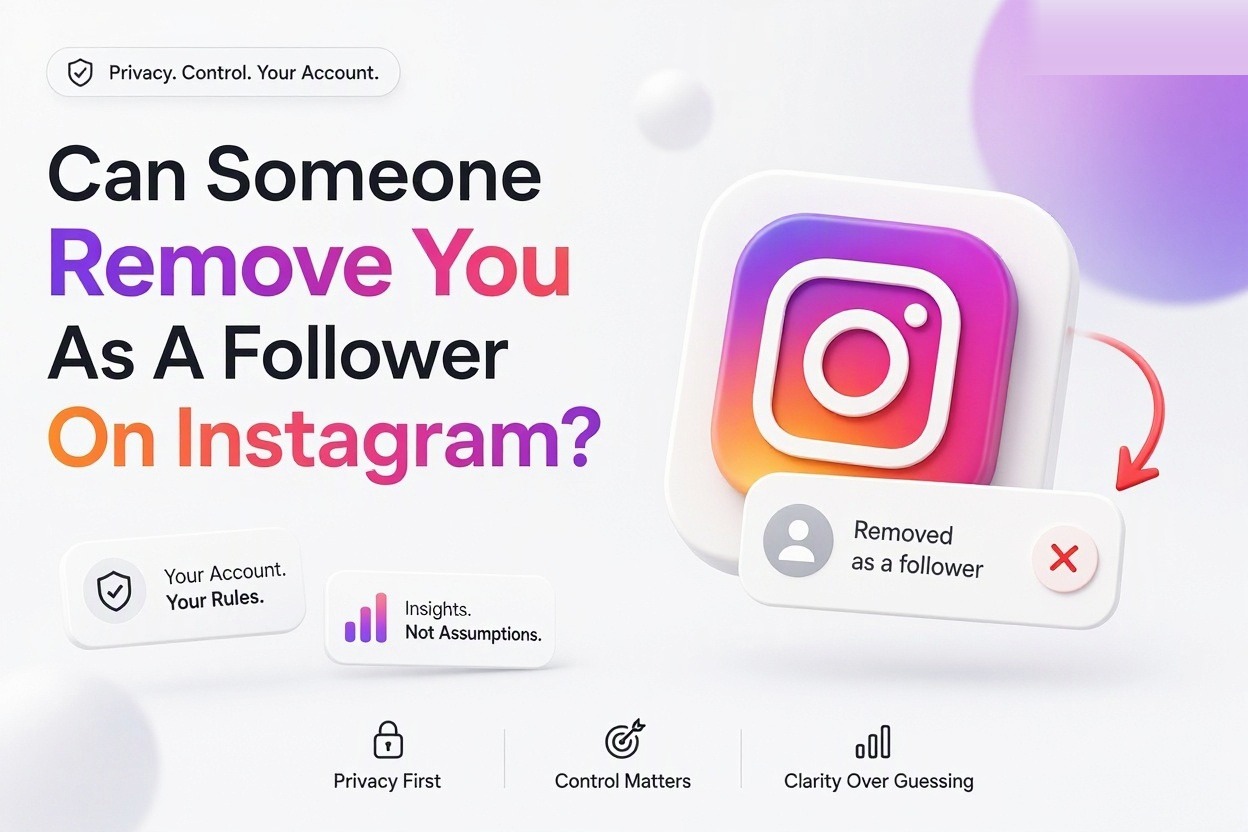
Yes, you can remove followers and others can do the same to you. When people ask can someone remove you as a follower on instagram, the short answer is yes. Any account with a private or public profile can remove followers in seconds, and Instagram will not send a notification.
This simple control helps you curate who sees your posts, stories, and reels. Whether you want more privacy, fewer spam accounts, or a cleaner community, understanding follower removal is essential. It is quiet, quick, and completely different from blocking someone outright.
In this guide, we will explain exactly how removal works, what the other person sees, and how to do it yourself. You will also learn about limits, troubleshooting tips, and smarter ways to manage your audience for long term comfort and confidence.
Direct Answer on Removing Followers on Instagram
Yes, someone can remove you as a follower on Instagram at any time. Every user has the ability to remove any follower from their own account. This applies to public and private accounts, business profiles, and creator accounts with no special requirements or follower count thresholds.
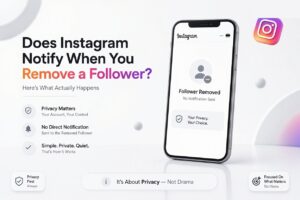
When you are removed, Instagram does not notify you directly. You simply stop seeing that persons private content in your feed. If you visit their profile later, you may notice the Follow button has returned or that their posts are no longer visible to you.
This feature is designed to give account owners control over their audience. It helps reduce spam, maintain privacy, and create a more comfortable space. Removal is polite and discreet, unlike blocking which creates a harder boundary and prevents future interaction completely.
Understanding Follower Control Basics
Instagram treats the follower relationship as permission based. When someone follows you, they get access based on your privacy settings. You as the account owner can revoke that permission whenever you want by removing them from your follower list with a few taps.
For private accounts, removal means the person loses all access to your posts, stories, highlights, and reels. For public accounts, removal is softer because they can still find your content by search. They just will not get automatic updates in their home feed anymore.
Removal does not affect your own following list. If you follow them back, that connection stays intact unless you unfollow separately. This one sided action only changes who can follow you, not who you choose to follow yourself.
How Instagram Follower Removal Works
Instagram built follower removal as a quiet management tool. When you remove someone, their follow connection is broken instantly. They are not alerted by push notification, email, or in app message. The process is designed to avoid confrontation and protect privacy for both sides involved.
The removed follower will still be able to find your profile unless you go private or block them. If your account is public, they can view your posts as a non follower and even follow you again. Private accounts have stronger protection because re following requires your manual approval first.
This system works across iPhone, Android, and desktop browsers. The steps look slightly different on each device, but the result is the same. Once removed, that user disappears from your followers count and loses subscriber level access to exclusive content if applicable.
What the Removed Person Experiences
The removed person will not see a message saying you removed them. Instead they may notice fewer of your posts in their feed. If they check your profile, they might see a Follow or Follow Back button instead of Following. For private profiles, they will see a locked message and no posts.
If they were used to watching your stories, your profile circle will stop appearing at the top of their story tray. Direct message history stays intact, but story replies and close friends content will no longer be available. It feels gradual rather than sudden for most casual followers.
Many people only realize they were removed when they actively look for someone. This makes removal ideal for cleaning up spam, old acquaintances, or inactive accounts without creating tension. It keeps boundaries respectful while giving you space to share comfortably and authentically.
Practical Checklist for Reviewing Your Followers
Use this simple routine every month to keep your audience healthy and relevant for your goals.
1. Open your profile and tap Followers to see the full list sorted by relevance and interaction history.
2. Look for blank profile pictures, strange usernames, zero posts, or accounts that never like or comment.
3. Tap Remove next to any account that feels like spam, unfamiliar, inactive, or no longer aligned with your comfort.
4. Switch to private in settings if you want to approve every new follow request manually going forward.
5. Review Close Friends and story settings to control who sees your most personal updates and daily moments.
6. Repeat this check monthly so your community stays supportive, engaged, safe, and genuinely interested in you.
Step by Step Guide to Remove a Follower
Removing a follower on Instagram takes less than a minute. Start by opening the Instagram app and going to your profile page. Tap your follower count at the top to open the full list. Scroll or use the search bar to find the specific account you want to remove.
Once you find the name, tap the Remove button next to it on iPhone and Android. On desktop, click the three dots beside the follower and select Remove this follower. Instagram will ask you to confirm your choice. Tap Remove again and they will be removed immediately from your audience.
You can repeat this for multiple followers without leaving the screen. There is no need to unfollow them, block them, or send a message. The action is instant and does not require them to accept anything. Your follower count will update right away to reflect the change.
Removing Followers on Private Accounts
Private accounts get the strongest benefit from follower removal. Open your profile, tap Followers, find the account, and tap Remove. That person instantly loses access to all your past and future posts. They will see a private account notice if they try to visit your profile again.
Because approval is required to follow a private account, a removed person cannot simply return without your permission. If they tap Follow again, you will get a new request that you can ignore or decline. This gives you complete control over re entry and long term visibility.
For best results, combine removal with regular request reviews. Check pending follow requests weekly and decline unfamiliar ones. Update your bio to set expectations about who you accept. This keeps your private space intentional and reduces the need for frequent large cleanups later.
Removing Followers on Public Accounts
Public accounts can also remove followers, but the effect is lighter. The person will no longer automatically see your posts in their feed, but they can still visit your profile and view everything. Removal on public accounts is more about feed distribution than actual privacy or content protection.
To remove, follow the same steps from your followers list and confirm. If you want stronger control, consider switching to private, using Restrict, or blocking persistent unwanted viewers. You can also hide stories from specific people without removing them as followers for a softer approach.
Many creators use removal to clean up bot accounts and improve engagement rates. A smaller, more interested audience often leads to better likes, comments, and reach. Focus on removing obvious spam first, then evaluate inactive accounts that never interact with your content meaningfully.
Comparison of Removal Blocking and Restricting
Many users confuse these three tools, so here is how they compare in plain language for everyday use.
Removal means the person no longer follows you but can still find you and message you. No notification is sent. Best for quiet cleanups, old contacts, and spam reduction without hard feelings.
Blocking means the person cannot find your profile, see your content, or message you. They are fully cut off. Best for harassment, stalking, repeated spam, or situations where you need a firm boundary for safety.
Restricting means the person still follows you but their comments are hidden and their messages go to requests. They will not know they are restricted. Best for limiting awkward interactions with coworkers, acquaintances, or family while staying polite.
Use removal for maintenance, restrict for soft limits, and block for protection. You can change your choice later at any time.
What Happens After You Remove Someone
After removal, your follower count drops by one and your engagement may shift slightly. The removed account will no longer see your private posts or stories. Mutual likes and past comments usually remain visible, but future content will not appear in their home feed or explore recommendations tied to following.
Your direct messages with that person stay in your inbox. You can still chat unless you block or delete the thread. If you shared close friends stories, they lose access immediately. Any tags or mentions from the past remain unless you manually remove them from individual posts and reels.
If the person tries to follow again, you will see a new notification only if your account is private. Public accounts will not get a re follow alert in all cases. You can ignore repeat requests, restrict the account, or block if the behavior becomes persistent and uncomfortable for you.
Effect on Stories Reels and Highlights
Removal affects all content tied to follower status. Stories, including close friends stories, will no longer be visible to the removed person if you are private. Public stories may still be viewable from your profile, but they will not appear at the top of their story feed with priority placement.
Reels and in feed posts follow the same rule. Private account reels become fully hidden. Public reels remain discoverable through explore, hashtags, and audio pages. Highlights saved from past stories also become hidden for private accounts but stay visible for public accounts to any visitor.
Live videos and broadcast channels also respect follower status. A removed follower will lose subscriber access and will need to follow again to join private broadcasts. Review your channel settings after a cleanup to ensure only intended followers retain special access and participation rights.
How to Check Who Removed You as a Follower
Instagram does not offer an official list of who removed you. You have to check manually by reviewing your following list. If you suspect someone removed you, search for their username in your following tab. If their name no longer appears, the connection may have been broken on their side.
Another clue is missing content. If you used to see someones private posts and stories regularly and now you see nothing, you may have been removed. Visit their profile directly. A Follow button on a familiar private account usually means you were removed or your request was declined.
Avoid third party follower tracking apps that ask for your password. Many violate Instagram rules and can lead to account locks or data theft. Manual checks, while slower, are safer and more reliable for understanding changes in your audience over time accurately.
Manual Methods Without Third Party Apps
The safest way to track removals is with your own records. Once a month, export or screenshot your following list for key accounts you care about. Compare over time to spot missing names. This works well if you only want to monitor a small circle of friends and collaborators.
You can also use Instagram search history and message threads as clues. If a private profile you used to view now shows No Posts Yet and a Follow button, that is a strong signal. Check mutual friends lists to confirm whether the account is still active or was deactivated entirely.
For business accounts, use professional dashboard insights to watch follower drops after posts or cleanups. While it will not name who left, it helps you understand trends. Focus on creating valuable content rather than chasing every single unfollow or removal event daily.
Limitations of Instagram Follower Controls
Follower removal is useful but not perfect. On public accounts, removal does not hide your content because anyone can still search for you. It only stops automatic feed delivery. True privacy requires a private account, story controls, or blocking persistent viewers who keep returning after removal.
Removal also does not prevent screenshots, shares, or re follows. A determined person can create a new account and follow again. Instagram may limit how many removals you can do in a short period if it detects automated behavior. Slow manual cleanups work best to avoid temporary restrictions.
Another limitation is lack of bulk tools. You must remove followers one by one from within the app. There is no official select all or filter by inactive option. For large accounts, this makes full cleanups time consuming and requires patience across multiple short sessions instead of one long effort.
Privacy Settings That Strengthen Removal
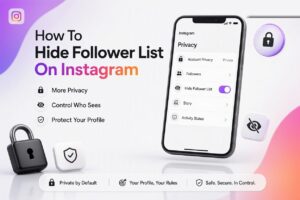
To make removal more effective, tighten your overall privacy settings. Switch your account to private under Settings and privacy, then Account privacy. Turn on the private option so every new follower needs approval. This prevents removed users from instantly returning without your knowledge and consent.
Next, manage story and message controls. Go to story settings and hide stories from specific people if needed. Limit message requests to followers only. Review tagged posts and turn on manual approval for tags. These small steps reduce unwanted visibility even if someone views your public profile occasionally.
Finally, use Close Friends for personal updates and broadcast channels for loyal followers. These tools create layers of access beyond simple following. Even if someone follows you, they will not see everything unless you include them in these inner circles intentionally and consistently.
Troubleshooting Common Removal Issues
Sometimes the Remove button does not appear or does not work. First, update the Instagram app to the latest version from your app store. Older versions often have glitches in the followers list. Restart the app and try again after clearing cache on Android or offloading on iPhone if needed.
If you see an error like action blocked, you may be removing too quickly. Instagram limits rapid actions to prevent spam. Wait a few hours, then continue slowly with breaks between batches. Avoid using automation tools, as they trigger stricter limits and can risk your account standing.
If a removed follower still sees your content, check whether your account is public. Public posts are visible to everyone. Either switch to private or hide stories specifically. If the issue persists, log out and back in, then verify your follower list again to confirm the removal actually processed.
When Removal Does Not Feel Like Enough
Removal works for mild situations, but some cases need stronger action. If someone creates new accounts to follow you, harasses you in comments, or sends unwanted messages after removal, it is time to block and report. Blocking cuts all contact and prevents them from finding you easily.
Use Restrict as a middle step for tricky social situations. A restricted follower will not know they are limited, but their comments will only be visible to them. Their messages will move to requests without read receipts. This is helpful for coworkers, classmates, or relatives where direct removal feels uncomfortable.
Document repeated unwanted behavior with screenshots and dates. Report through Instagram help center if harassment continues. Adjust your safety settings to filter offensive comments automatically. Your comfort matters more than follower count, so choose the strongest tool that fits the situation.
Best Practices for Managing Your Audience
Healthy audience management goes beyond one time removal. Set a clear purpose for your account, whether it is friends, business, or creative sharing. A clear purpose makes it easier to decide who belongs. Review new follow requests carefully instead of accepting everyone automatically out of habit or politeness.
Engage with followers who support you and mute or remove those who drain your energy. Use story polls, questions, and close friends lists to reward loyal viewers. Clean bio language that states your boundaries can reduce unwanted follows before they happen and attract the right community naturally.
Schedule a quick monthly review of followers, blocked accounts, and privacy settings. Small consistent actions prevent overwhelming cleanups later. Over time, your feed will feel safer, your engagement will improve, and sharing will feel enjoyable rather than stressful or performative for an unclear audience.
Building a Positive Community After Cleanup
After removing unwanted followers, focus on strengthening connections with people who remain. Respond to thoughtful comments, thank active supporters, and share content that invites genuine conversation. A smaller engaged audience is far more valuable than a large silent one for growth and personal satisfaction overall.
Consider welcoming new followers with pinned posts that explain what you share. Use highlights to showcase your values, interests, and rules. This sets expectations early and reduces future removals. People who understand your style are more likely to stay respectful and interact in meaningful ways consistently.
Keep evolving your approach as your goals change. What felt right last year may not fit today. Regular reflection helps you stay aligned. With intentional management, Instagram becomes a space for creativity, connection, and encouragement rather than pressure, comparison, or unwanted attention from strangers.
Conclusion
Managing your Instagram audience does not have to feel awkward or stressful. With built in tools for removal, restriction, and privacy settings, you have full control over who stays connected to your content, stories, and daily updates over time every day.
If you ever wondered can someone remove you as a follower on instagram, remember it works both ways and is completely normal. People curate their audiences for privacy, focus, and comfort, not always for personal reasons or conflict so do not take it personally when it happens to you online.
Take a few minutes this week to review your follower list and privacy settings. Remove spam accounts, restrict draining interactions, and switch to private if you want stronger approval over future follow requests and visibility for better peace of mind and safer sharing every day.
A thoughtful, well managed community makes Instagram more enjoyable and meaningful. When your feed feels safe and relevant, you will share more freely, engage more genuinely, and build stronger connections with people who truly matter to you over time while protecting your energy and personal boundaries.
Frequently Asked Questions
Can You Tell If Someone Removed You as a Follower on?
Instagram does not send alerts for removals, so you must notice manually. Check your following list, look for missing posts in your feed, or search for the profile. Third party apps claim to track this but are inaccurate and risky.
What Happens When Someone Removes You From Their Followers?
You will no longer see their private posts, stories, or highlights. Their profile may show a follow button again. If their account is public, you can still view content but must follow again for closer interaction.
How Often Can You Remove Followers on Instagram?
You can remove followers as often as needed with no official daily limit stated. For large cleanups, remove accounts slowly to avoid temporary action blocks. Focus on spam, inactive, or unfamiliar profiles first for best results.
Does Removing a Follower Also Unfollow Them Back?
No, removing a follower only stops them from following you. It does not unfollow them from your account. If you do not want to see their content either, you will need to unfollow them separately from their profile page.
Is It Better to Remove or Block a Follower on Instagram?
Removal is best for quiet boundaries with real people you know. Blocking is better for harassment, spam, or repeated unwanted contact. Restricting works well when you want to limit interaction without fully cutting ties.